
Document Automation Software

Enhance Business Efficiency with Intelligent Document Automation

Documents are essential to business success, from proposals and contracts to emails and reports. However, managing the growing volume of documents can be a challenge, leading to inefficiencies and performance issues.

Document automation software streamlines workflows by automating processes, reducing manual tasks, and accelerating document retrieval. The average knowledge worker spends nearly 50% of their time searching for information, correcting errors, and verifying data. With an intelligent document automation system, employees can instantly locate accurate, up-to-date, and secure documents.

For businesses looking to simplify document creation, management, and security, M-Files offers a powerful document automation solution that improves efficiency and drives better business
Website-image-capabilities
Meta-data

Key Features to Look for in Document Automation Software

An effective document automation software solution must offer essential capabilities for streamlining workflows, improving accuracy, and enhancing productivity.

Capture Documents from Any Source

Advanced document automation software enables businesses to process documents from multiple sources, including scanned paper files, emails, CRM or ERP systems, and user-generated content.

Serve as a Central Repository

A powerful document automation solution consolidates documents across various platforms, making it easier to manage, organize, secure, and ensure compliance.

Accelerate Search and Retrieval

The best document automation software allows users to locate documents within seconds, reducing wasted time spent searching for critical information.

Allow Flexible Deployment

A robust document automation system offers deployment options in the cloud, on-premises, or in a hybrid model to meet regulatory and business requirements.

M-Files Delivers Superior Document Automation Capabilities

M-Files is an AI-powered information management solution that offers advanced document automation capabilities. It connects documents across various platforms, analyzes files to provide context, and enables faster search and retrieval, boosting productivity while ensuring a seamless digital experience for employees, partners, and customers.

A Smarter Way to Store Files

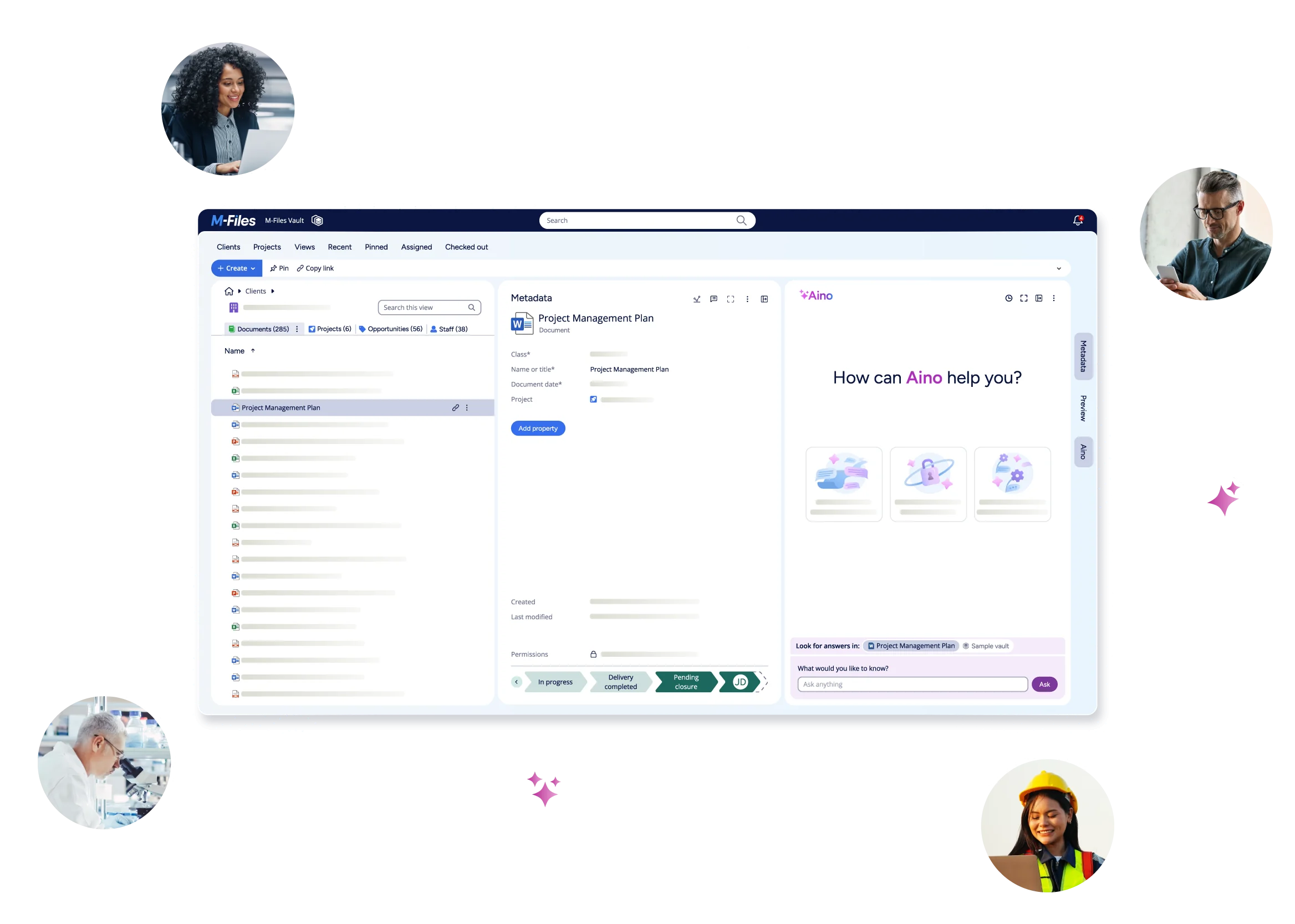
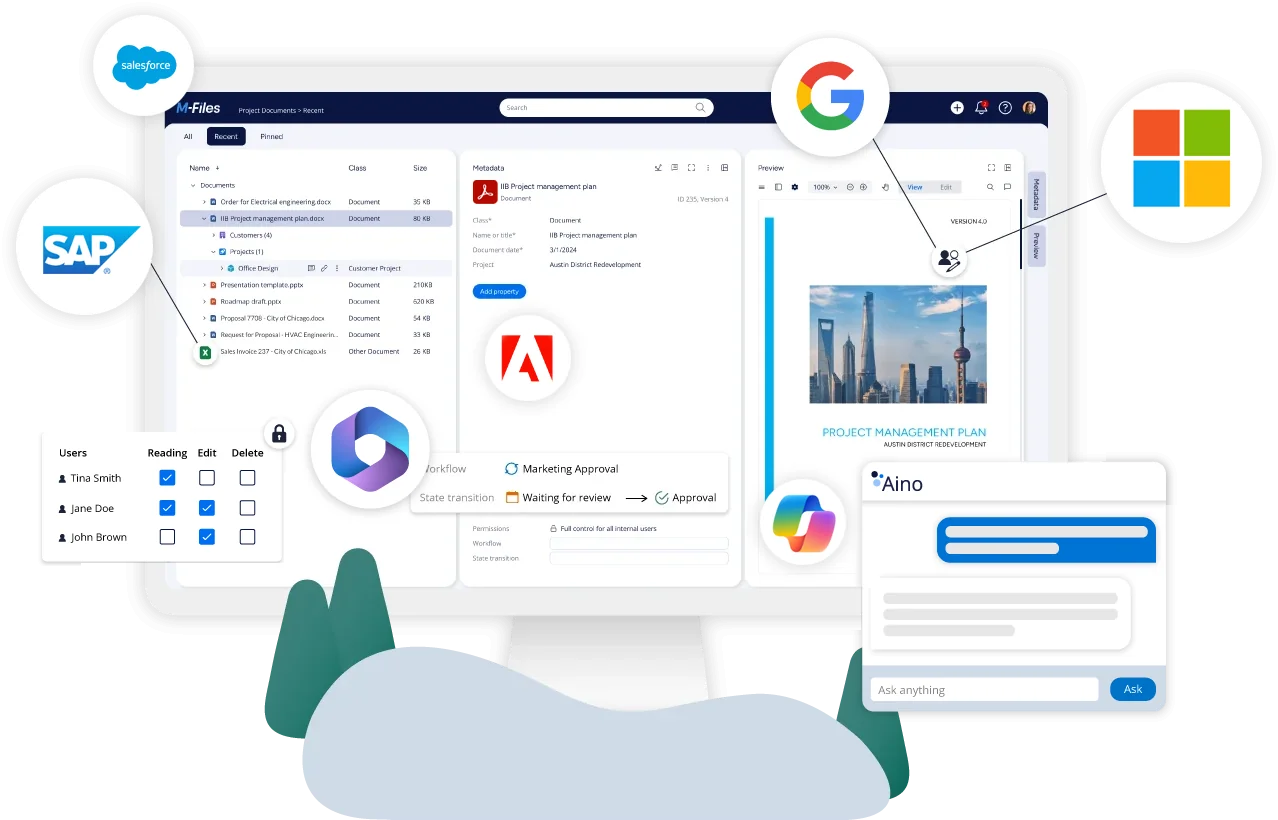
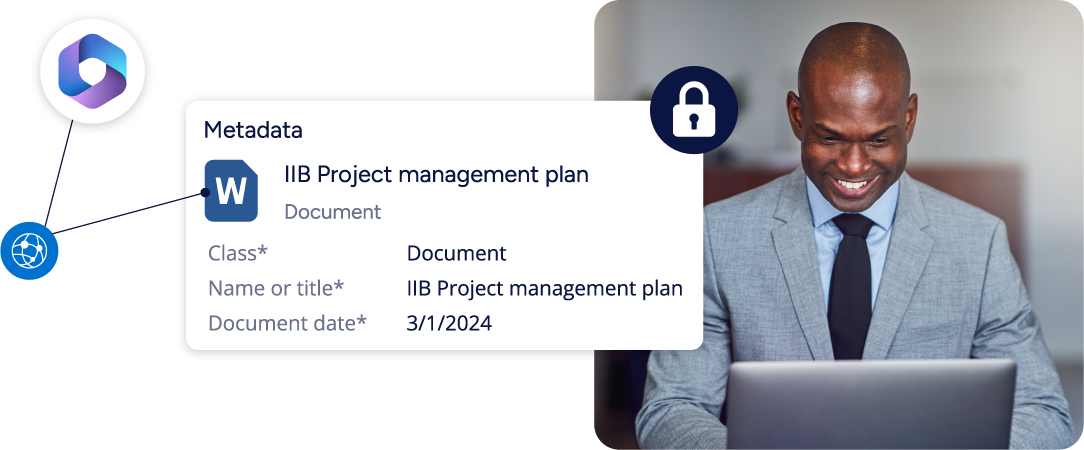
Instead of focusing on where documents are stored, M-Files stores them based on their content. Metadata such as customers, project numbers, due dates, and invoice numbers make it easier to search and retrieve documents.

Stronger Security

M-Files encrypts each document and uses dynamic permissions to control access based on specific people, roles, groups, or document types.

Storage & Application Flexibility

M-Files supports co-authoring across various storage systems and applications like SharePoint, Teams, and Salesforce.

A Single View of Content

M-Files connects various content types – such as documents, emails, contracts, and project data – even when they are saved in different systems or archives.

Automated Workflows

Set up customized automated workflows in M-Files to ensure the right people can view, edit, approve, or sign documents at the right time.

Scalability for Future Growth

M-Files is built to scale with your business, supporting growing document volumes and complex workflows without sacrificing performance or security.

Streamline Collaboration with M-Files Document Automation Software

Collaborating on digital documents has traditionally been challenging with multiple versions to manage. M-Files document automation software simplifies this by maintaining a single, secure version and automatically tracking changes in historical versions, making it easy to review, rollback, and streamline collaboration.

Collaborate in Real-Time

M-Files enables multiple users to edit and view changes in real-time, boosting productivity and ensuring seamless collaboration.

Automatic Saving

Every change to documents is automatically saved, and new versions are created during check-out and check-in operations, ensuring no work is lost.

Secure Authoring

Automatic permissions guarantee that only authorized users can access documents, ensuring a secure environment for document creation and collaboration.

Use Your Preferred Tools

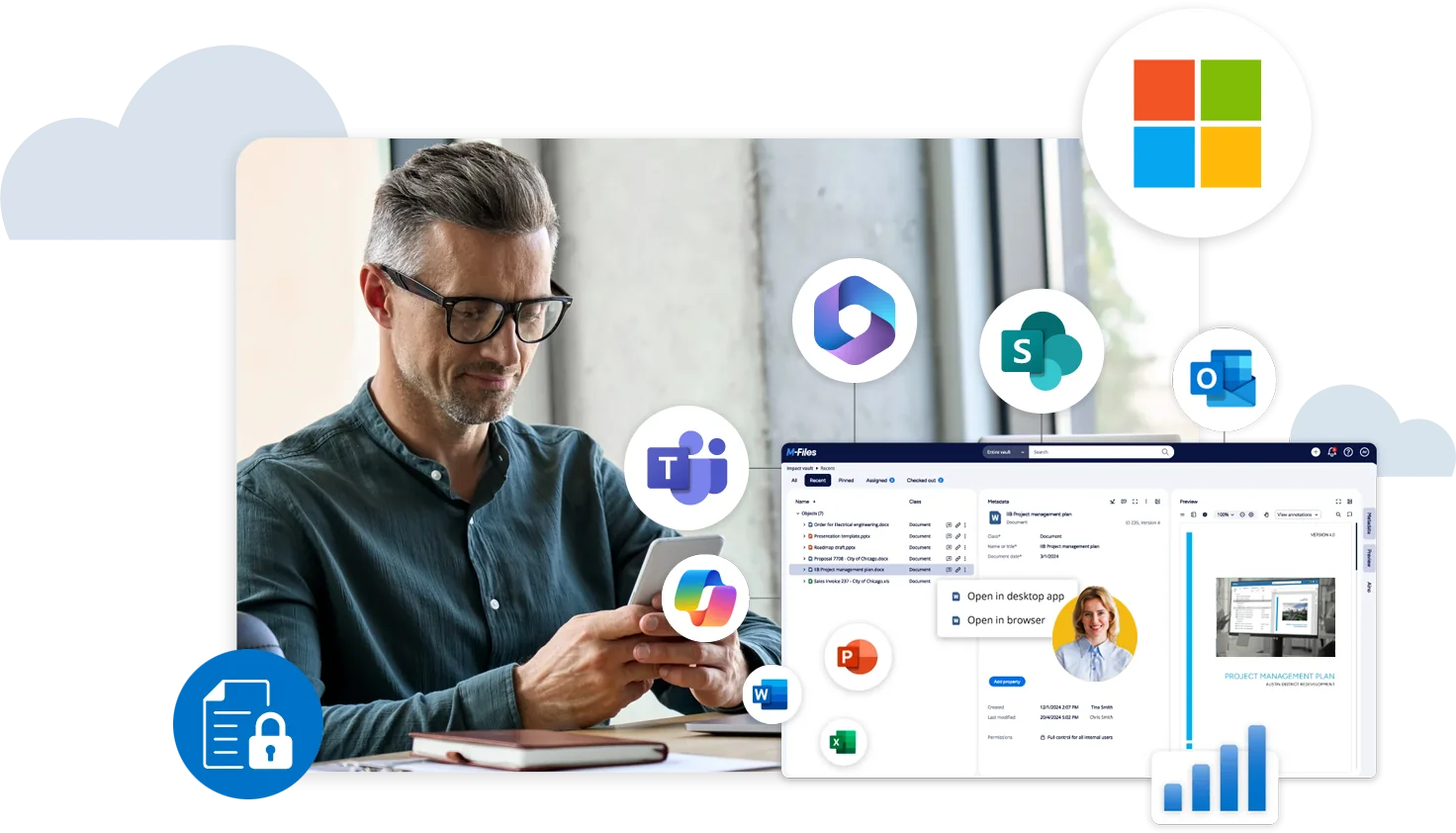
M-Files allows teams to co-author documents using Microsoft Office applications via the Desktop Client or Web Client, ensuring a smooth transition.

Save Documents Anywhere

M-Files' auto-saving feature works independently of storage location, giving teams the flexibility to save documents in preferred platforms like OneDrive or SharePoint.

Automate Document Assignments

With M-Files' automation, assignments for editing, reviewing, approving, signing, and publishing documents are created and tracked, ensuring efficient workflow management.

Tailor M-Files’ Document Automation Software to Your Business Needs

M-Files' document automation software is customizable to fit your business needs, whether for accounting, legal, or electronic records management, with flexible deployments, integrations, and workflows.

Cloud, On-Premises, or Hybrid Deployments

M-Files offers flexible deployment options—cloud, on-premises, or hybrid—to align with your IT strategy.ition.

Easy Integrations

Integrate M-Files effortlessly with business tools like Microsoft Teams or Salesforce, and connect with other archives and legacy ECM systems for streamlined document management.

Pre-Built Solutions Templates

M-Files provides solution templates and industry best practices, saving you time by eliminating the need to build workflows and storage structures from scratch.

Third-Party Add-Ins

Enhance M-Files’ capabilities with third-party add-ins for data visualization, editing, and more, customizing the system to fit your needs.

Custom Configurations

Easily configure M-Files to support a wide range of use cases, ensuring it meets the unique demands of your business.

Seamless Integrations with APIs

Utilize M-Files APIs to build connections with your existing systems, enhancing the functionality of your document automation software.

How M-Files Enables Efficiency for Your Business

Faster Search

What you need, when you need it. That is the way M-Files works. Fast, easy, and intuitive.

Familiarity

You can use your favorite daily tools, such as MS Teams or Salesforce to manage your documents.

Easy Collaboration

Share content securely, and co-author documents simultaneously — wherever you work.

Streamlined Daily Work

Let M-Files suggest tags for your documents and add workflows for faster processing.

Discover the Power of Artificial Intelligence Capabilities

Watch videos and access resources to learn how AI can transform your knowledge work with M-Files Aino.

Featured Resources

Unleashing AI potential with M-Files and Microsoft 365

The Smarter Way to Work with Automation and AI

wistia-video-thumbnail
Website-image-ROI-screen-narrow-stroke-2

Why Choose M-Files for Document Automation?

M-Files provides a smarter way to manage and automate document workflows, offering a unified view of content across all repositories and archives. This allows employees to quickly find the information they need while maximizing the value of existing data.

With powerful automation, M-Files streamlines critical business processes, improving efficiency and accelerating timelines. Advanced encryption and strict permission controls enhance document security and simplify regulatory compliance. That’s why thousands of organizations in over 100 countries trust M-Files to optimize their document management and automation.