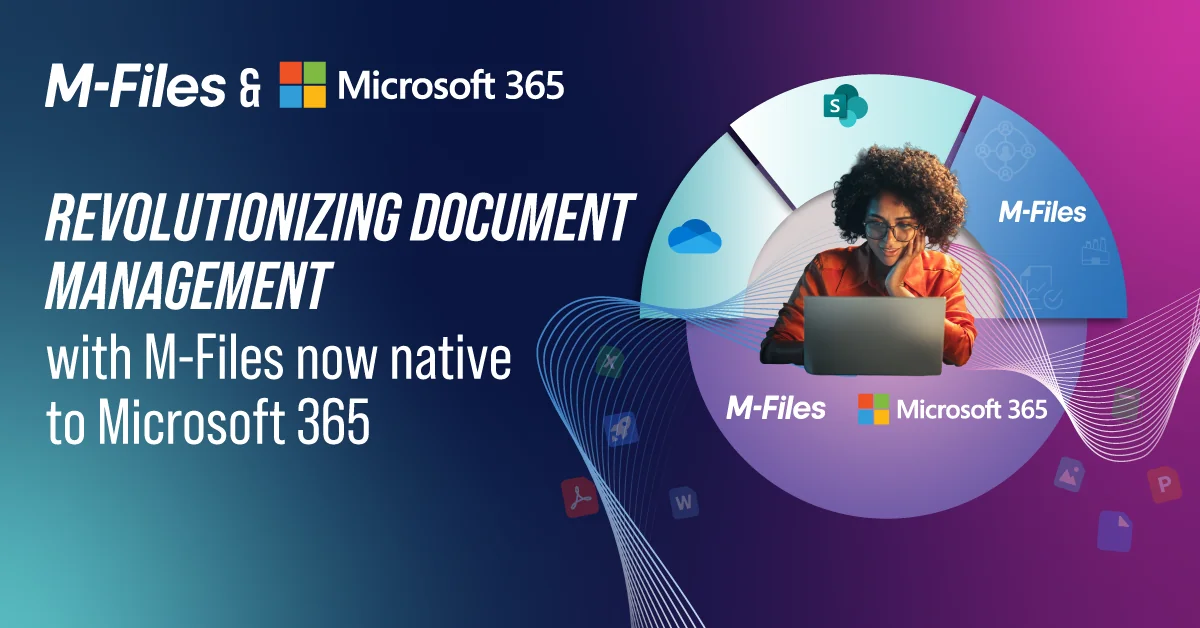

Improve SharePoint Document Management with M-Files
SharePoint provides collaboration, document libraries, content sharing, and search. M-Files adds metadata-driven document management, workflow automation, records management, governance, and business context to help organizations manage business-critical information more effectively

How M-Files Improves SharePoint Document Management
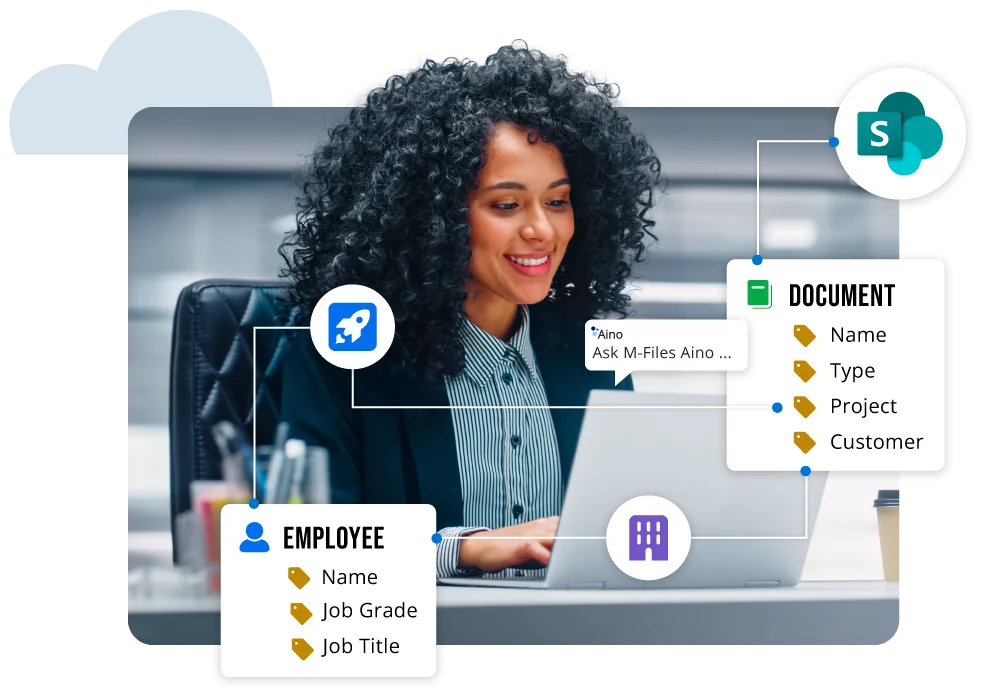
Organizations use M-Files to improve information discovery, reduce manual work, strengthen governance, and gain greater control over business-critical documents managed in SharePoint.
By making information easier to find, manage, and govern, M-Files helps organizations improve productivity, automate document-centric business processes, support compliance requirements, and get more value from their SharePoint and Microsoft 365 investments. M-Files also helps prepare business information for Microsoft 365 Copilot by making it easier to find, access, and trust across SharePoint and Microsoft 365.

SharePoint Document Management in Action
See how organizations extend SharePoint with document management, workflow automation, governance, records management, and business context.
Watch this video interview with Ian Story, Principal Architect for SharePoint and OneDrive, to learn how organizations get more value from SharePoint document management with M-Files.
Extend SharePoint Beyond Document Storage and Collaboration
SharePoint provides the foundation for collaboration, content management, search, and Microsoft 365 productivity. M-Files extends SharePoint with business context, governance, workflow automation, records management, and document control for business-critical information.
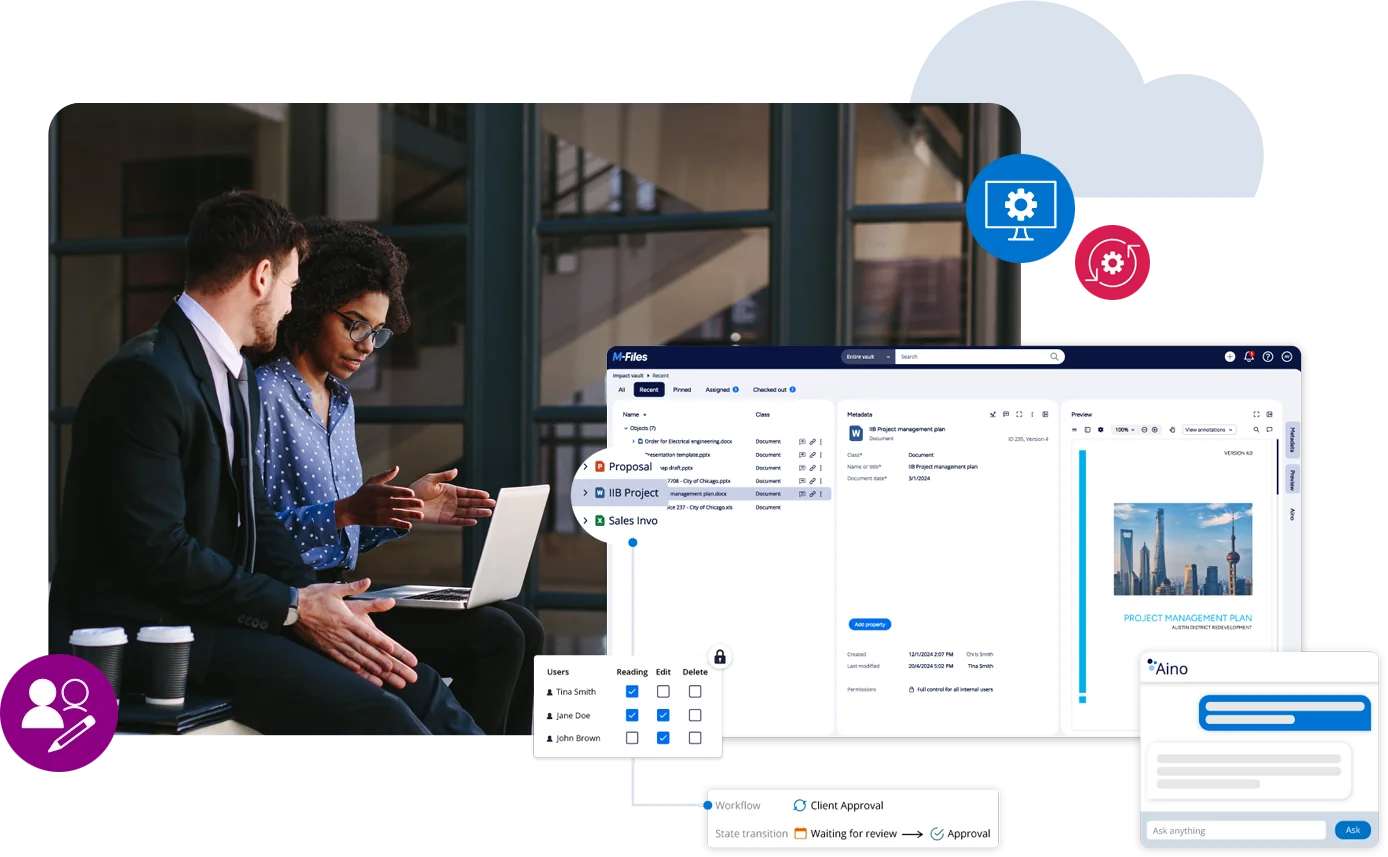
With M-Files, you can automate approvals, reviews, retention, and other document-centric processes while maintaining governance across SharePoint and Microsoft 365. You can find information faster, reduce manual work, improve process consistency, and help Microsoft 365 Copilot work with more discoverable, permission-aware business information.
Customer Benefits

Extend Microsoft 365 with Enterprise Document Management
Explore how M-Files helps organizations manage, govern, automate, and protect business-critical information across Microsoft 365.

Microsoft Teams Document Management
Help teams collaborate on business-critical content without sacrificing governance and compliance.
Access documents directly within Microsoft Teams while M-Files maintains enterprise document management, records management, and workflow automation controls.

Microsoft Outlook Content Management
Reduce administrative effort and improve control of customer communications and business correspondence.
Automatically manage emails, attachments, projects, and customer correspondence using Microsoft Outlook and M-Files while maintaining document control, records management, and compliance.

Microsoft 365 Document Management
Improve information management across Microsoft 365 while maintaining governance, compliance, and productivity.
M-Files extends Microsoft 365 with metadata-driven document management, workflow automation, records management, and governance capabilities that help organizations manage business-critical information more effectively.

Microsoft Office Document Management
Enable employees to work in familiar Microsoft applications while maintaining document control and compliance requirements.
Work with Microsoft Word, Excel, and PowerPoint while maintaining document governance, version control, records management, and collaboration controls.

Microsoft 365 Copilot
Improve Copilot readiness by governing business information and making it discoverable and permission-aware.
M-Files helps organizations prepare governed business information for Microsoft 365 Copilot through metadata-driven document management, records management, governance, and workflow automation. This helps provide Copilot with more discoverable, permission-aware, and context-rich information.

Microsoft Purview Governance
Strengthen governance, compliance, and information protection across Microsoft 365 and SharePoint environments.
Apply Microsoft Purview governance and protection policies to business-critical information managed in M-Files. M-Files provides the business context needed to help classify and govern information according to business meaning, not storage location alone.
Microsoft SharePoint FAQs
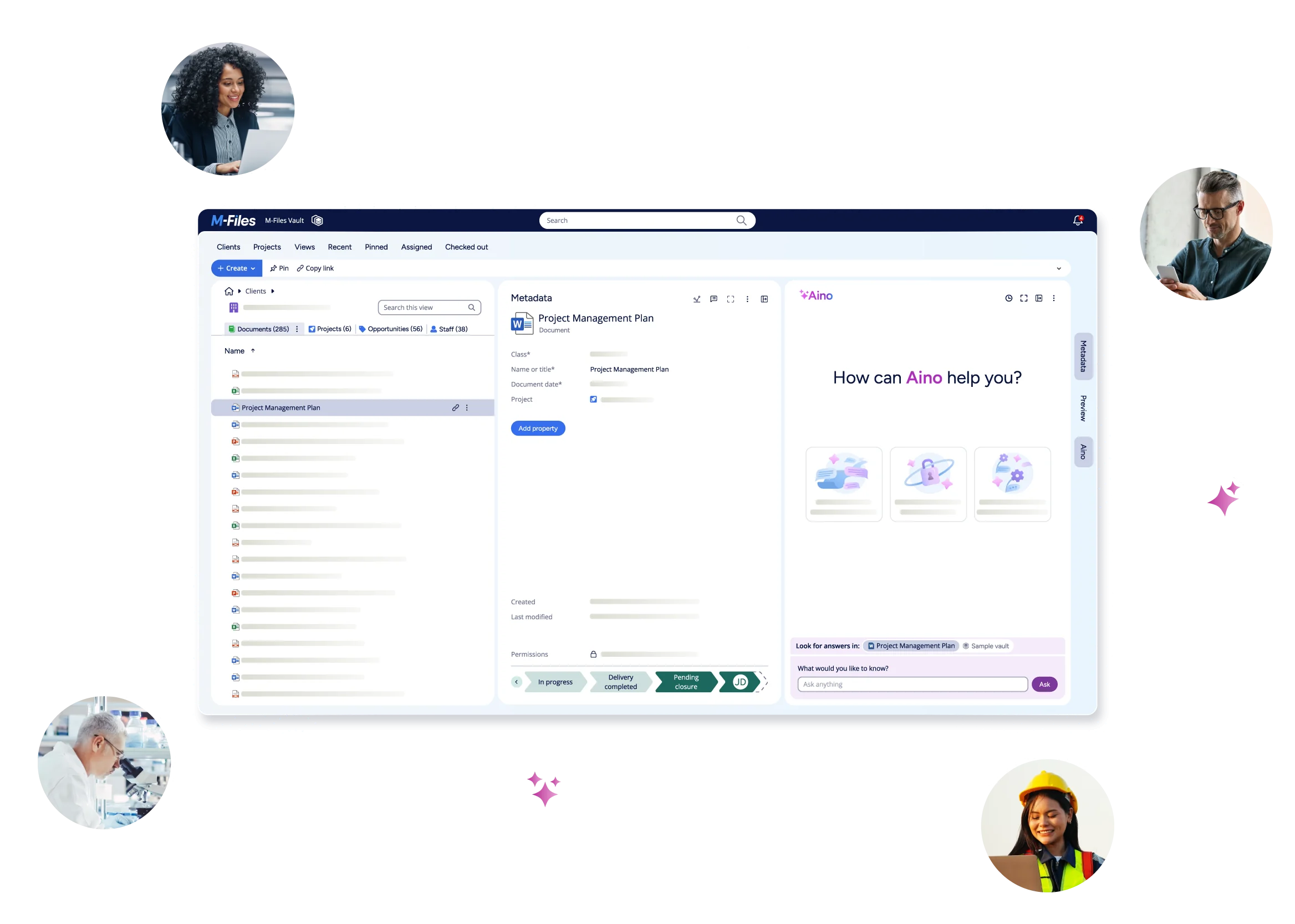
See M-Files in Action