

Microsoft Copilot + M-Files: Your Questions Answered
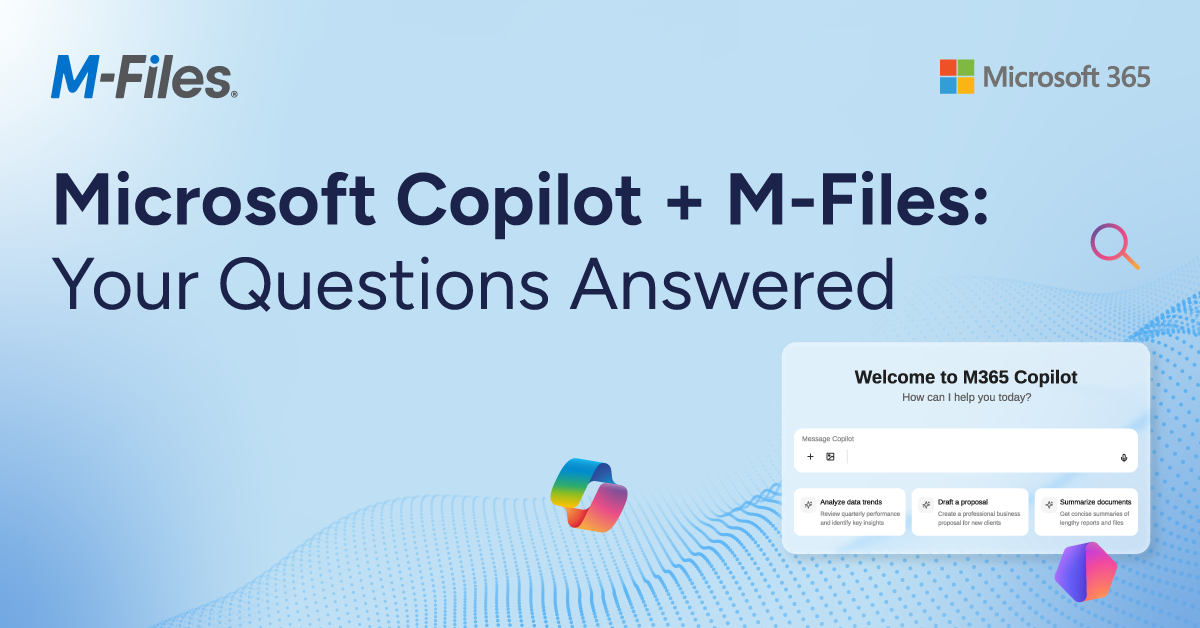

As organizations push AI into production, many hit the same barrier: operational friction across fragmented, document-driven work.
Documents power critical business processes—but without context, governance, and structure, they create risk instead of value. AI can’t deliver results people trust due to inconsistent, outdated, or incomplete information.
M-Files is a context-first document management platform that transforms documents into a governed, AI-ready single source of truth. By connecting documents to their business context—through metadata, relationships, workflows, and permissions—M-Files ensures that both people and AI can find and use the right information.
This is why M-Files and Microsoft 365 Copilot are a natural fit.
M-Files provides the intelligence layer that makes enterprise AI work, ensuring Copilot operates on trusted, contextual, and governed information, not disconnected files.
In our webinar “Supercharge Microsoft 365 Copilot with Trusted, Context-Enriched Information: Introducing Native Access to M-Files,” customers, partners, and IT leaders asked practical questions about governance, licensing, Microsoft 365 Storage, cloud vs. on-premises, and adoption. We’ve compiled the top questions and answers below.
Why This Matters for Business and IT Leaders
Most organizations already have powerful tools like Microsoft 365 and Copilot, yet they still face familiar challenges such as time lost searching for documents, duplicate work from outdated versions, inconsistent processes, compliance risks, and AI outputs that can’t be fully trusted. The root cause is operational friction: disconnected documents, missing context, and inconsistent governance.
M-Files solves this by creating a single source of truth for document-driven work, where every document is connected, governed, and enriched with context. The result: faster decisions, stronger compliance, and AI that delivers reliable, explainable outcomes.
Bringing Context-First Document Management into Microsoft 365
In the webinar, we showed how M-Files brings context-first document management into Microsoft 365 so teams stay in familiar tools while gaining the context and governance AI needs. Copilot can then operate on connected, contextual documents which improves accuracy, relevance, and trust.
What this enables:
- Faster, more confident decisions with AI grounded in trusted, contextual documents
- Reduced rework and fewer errors by ensuring teams and AI use the right version of information
- Stronger compliance and governance, built into every interaction
- More reliable AI outputs that reflect real business context, not disconnected data
- Seamless experiences inside Microsoft 365, without disrupting how teams already work
New: Native Access to M-Files in Microsoft 365 Copilot, Agent Builder, and Microsoft Search
M-Files now brings governed, context-rich documents directly into Microsoft 365 so Copilot, Agent Builder, and Microsoft Search can work with trusted information in the flow of work.
The result is more accurate, explainable AI grounded in trusted documents and business context.
Why M-Files Matters for Copilot
Copilot’s effectiveness depends on the quality of what it can access. Without context and governance, AI can surface outdated, incomplete, or inappropriate documents.
M-Files addresses this by acting as the intelligence layer for enterprise information, providing:
- Context through metadata and relationships, so AI understands documents and how they connect to the business
- Automated workflows and lifecycle management, ensuring only the right documents are used
- Built-in governance and permissions, so trust is enforced by design—not manually
The result: trusted, governed documents that make Copilot more accurate and teams more efficient.
Microsoft 365 Storage: The Best of Both Worlds
M-Files runs natively in Microsoft 365, using Microsoft 365 Storage as the document foundation.
Documents remain secured stored within your Microsoft 365 tenant, while M-Files adds context, governance, and automation.
Activation note: SPE activation is required.
You get:
- Native Microsoft collaboration tools (Teams, OneDrive, co-authoring)
- Microsoft Purview sensitivity labels and compliance policies enforced natively
- Microsoft 365 Copilot enhanced with trusted, governed M-Files documents
M-Files adds the context layer AI needs, turning documents into a connected system for work.
Cloud Is the Gateway to Native Copilot Integration
Native Microsoft 365 Copilot integration is available exclusively with M-Files Cloud.
Full Copilot experiences require a cloud-based, context-rich architecture that integrates directly with Microsoft 365.
On-premises deployments can’t integrate directly with Copilot due to Microsoft platform requirements.
Aino and Copilot: Complementary, Not Competing
A common question was: “If we have Copilot, why do we need Aino?”
The answer is that each plays a different role in trusted AI:
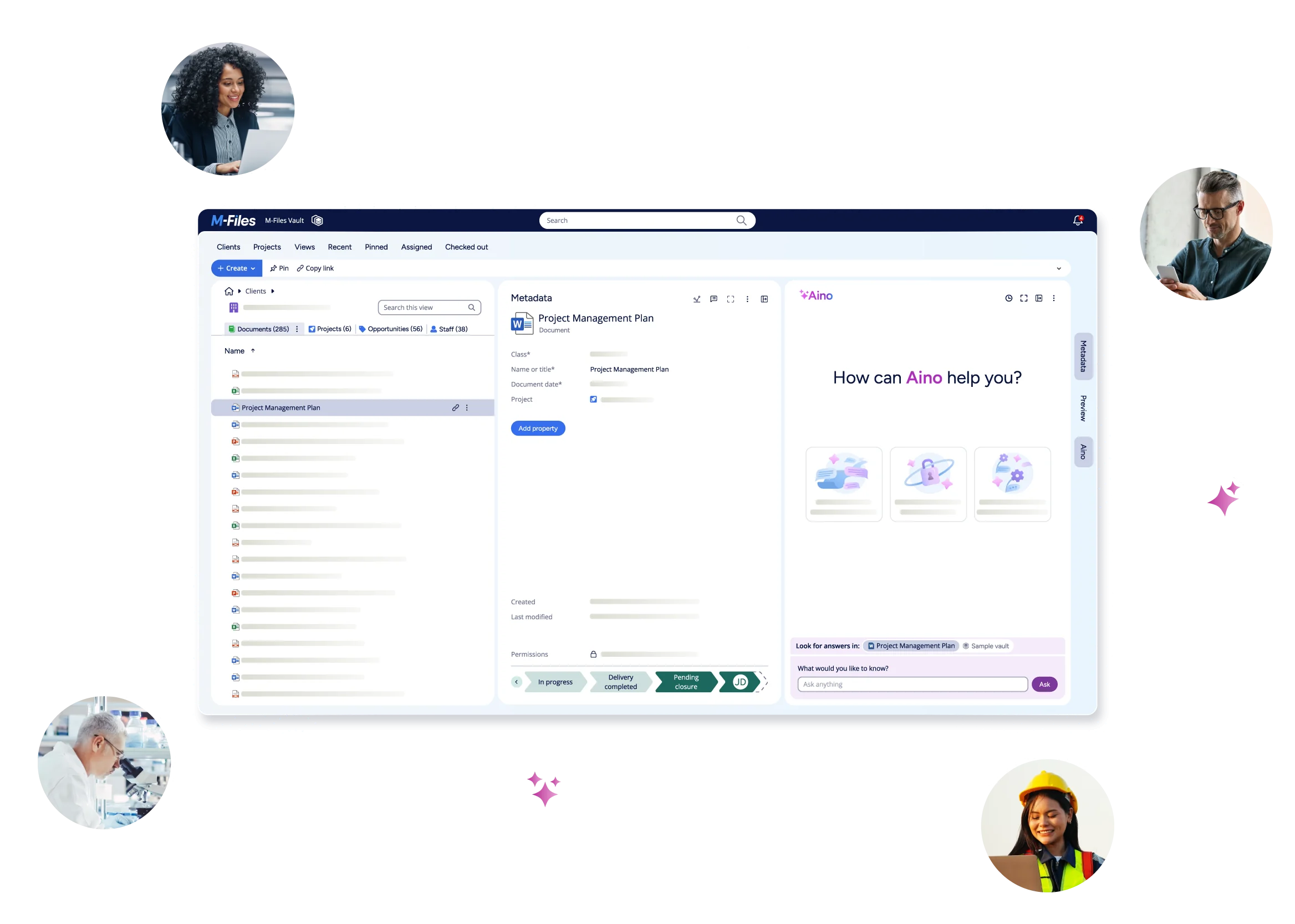
Aino is the AI fabric of M-Files, an intelligence layer that structures and enriches documents, captures relationships, and automates document-driven processes, making enterprise information usable, reliable, and ready for AI.
Copilot operates at the user level, helping people interact with that information through summarization, reasoning, and natural language queries. Together, they create a complete AI ecosystem. Aino ensures information is structured, governed, and AI ready while Copilot enables users to access and act on that information.
You Asked. Our Experts Answered.
We gathered a group of experts from M‑Files and Microsoft to answer the top questions customers ask most. Below, are the answers to important topics including AI readiness, governance, and how M‑Files works with Microsoft Copilot.
Implementation & Training
Q: What does implementation and training look like for an accounting firm?
Implementation is typically fast and lightweight. We configure core metadata (clients, engagements, document types), permissions, and workflows so your documents carry the right context and governance from day one. Training is role-based, with short sessions for admins and end users, so teams adopt quickly and reduce day-to-day operational friction.
Document Creation & Automation
Q: Does M-Files provide a document creation tool with merge data?
Yes. M-Files can generate documents from templates using M-Files metadata and data from integrated systems. The outcome is faster turnaround and fewer errors because documents are produced consistently, with the right client and engagement context, and with governance built in.
Q: Does “put your documents to work” include OCR?
Yes. M-Files supports intelligent document processing with OCR (including zonal OCR) and metadata extraction. By converting scans and unstructured documents into searchable documents and context, you improve discovery and automation so Copilot can deliver more accurate, trustworthy results with less manual effort.
Copilot Access, Security & Governance
Q: Can Copilot automatically access document metadata?
Yes. Copilot can use M-Files metadata to add document context and improve relevance, while still honoring the user’s permissions and governance controls. The outcome is more accurate summaries and answers and less operational friction from searching, rework, or using the wrong version.
Q: How does “native access” help when building Copilot agents (Agent Builder)?
It brings governed M-Files documents and context directly into agent experiences so agents can answer—and take action—using trusted information. Access stays permission-controlled, and you can scope what agents can use with metadata, workflows, and a Copilot include/exclude property. This helps improve accuracy and user trust while reducing operational friction in repetitive, document-heavy tasks.
Q: Can you limit which documents Copilot can access?
Yes. Copilot can only access documents a user is already authorized to see through M-Files permissions and governance. You can also add an explicit “Copilot” Yes/No property to include or exclude specific documents, helping Copilot stay grounded in approved documents and context for more trustworthy outputs.
Q: How does this prevent Copilot from referencing drafts or outdated documents?
M-Files uses metadata (status, version, and approval state) plus permissions to ensure Copilot references the right documents. In practice, you can restrict Copilot to approved, final, or published documents using workflows, metadata rules, and the Copilot property flag, thereby reducing rework and increasing confidence in AI-generated answers.
Q: Does M-Files honor Microsoft Purview sensitivity labels?
Yes. Because M-Files Cloud is built on Microsoft 365 security foundations, Microsoft Purview sensitivity labels and policies are enforced alongside M-Files governance. This strengthens compliance and reduces risk so users and Copilot work with protected documents in the right context.
Transparency & Trust
Q: Can Copilot show where its answers come from when using M-Files content?
Yes. When Copilot uses M-Files content, it can reference governed source documents that the user is permitted to access. Because M-Files structures documents with metadata and maintains version and approval status, users can more easily understand why a result was returned and trust that it’s based on approved, in context information—not guesses or generic data.
Copilot Quality & Accuracy
Q: How does M-Files improve the quality of Copilot answers compared to using Copilot alone?
Copilot is only as good as the information it can reason over. M-Files improves Copilot’s accuracy by adding structure, business context, and governance to documents before Copilot ever accesses them. Metadata, relationships, permissions, and approval status help Copilot ground its responses in the right documents—so answers are more relevant, consistent, and trustworthy, with less rework from outdated or incorrect information.
Microsoft 365 Storage & Microsoft 365
Q: What is the relationship between M-Files and SharePoint?
M-Files Cloud uses Microsoft 365 Storage as its native storage layer, so documents reside inside your Microsoft 365 tenant and security boundary. You get native collaboration and Copilot access, while M-Files adds document context, workflows, permissions, and governance, so people and AI can find the right documents faster and act with confidence.
Q: Can M-Files content show up in Microsoft Search (in Microsoft 365)?
Yes. With native access, relevant M-Files documents and context can surface in Microsoft 365 search experiences so users can find governed information without switching tools. Results still respect permissions, and metadata improves relevance, thereby reducing time spent searching and increasing trust in what you find.
Q: Is SharePoint Embedded only for M-Files Cloud customers?
Yes. Microsoft 365 Storage is used with M-Files Cloud and isn’t available for on-premises deploy.0ments. SPE activation is also required as a one-time setup to enable Microsoft 365 Storage and native experiences.
Q: What’s required to activate Microsoft 365 Storage and native experiences?
SPE activation is required. It’s a one-time setup typically completed by your Microsoft 365/IT administrator to connect Microsoft 365 Storage, after which you can enable the related native experiences.
Q: Where is document metadata stored?
M-Files manages the metadata and relationships (the context) in the M-Files platform, while the documents themselves are stored in Microsoft 365 Storage within the customer’s Microsoft 365 tenant. This separation keeps documents in-tenant while strengthening governance and enabling more accurate discovery and AI outputs.
Cloud vs. On-Premises
Q: Is native Copilot integration available for M-Files on-premises?
No. Native Microsoft Copilot integration requires M-Files Cloud. On-premises environments can’t integrate natively with Copilot due to Microsoft platform architecture requirements so Copilot can’t reliably ground responses in governed M-Files documents.
Q: How can on-prem customers approach Copilot today?
On-premises customers can use M-Files Aino for AI scenarios such as metadata extraction, classification, and enhanced search within the vault, which helps add context and reduce operational friction in document-heavy work. To unlock the full, native Copilot experience across Microsoft 365 (including better grounding in governed documents), the recommended path is migrating to M-Files Cloud.
Licensing, Storage & Cost
Q: What is the pricing model for M-Files?
M-Files is subscription-based, with Essentials and Enterprise tiers. Pricing varies by deployment and scale; subscriptions are designed to help you standardize governance and reduce operational friction in document-driven work, with additional storage available as needed.
Q: What Microsoft license is required to use Copilot with M-Files?
Users need an eligible Microsoft 365 license (commonly E3 or E5) plus a Microsoft Copilot license. M-Files licensing is separate and covers governance plus documents-and-context intelligence (metadata, workflows, and permissions) that improve accuracy and trust.
Q: Are customers paying twice for storage?
No. With M-Files Cloud, documents are stored in the customer’s Microsoft 365 tenant via Microsoft 365 Storage. M-Files licensing pays for governance, workflows, and document context so teams spend less time searching, reworking, or correcting errors from outdated documents.
Data Isolation, Testing & AI Readiness
Q: Can M-Files data be isolated from other SharePoint Embedded data for Copilot
Yes. M-Files documents and context are governed through metadata, permissions, and the Copilot property flag, so agents can be constrained to approved documents. This reduces the risk of cross-app leakage and helps keep agent outputs accurate and trustworthy.
Q: Can customers test before a wide rollout?
Yes. Most organizations start with a pilot group to validate permissions, relevance, and governance before a broader rollout. It’s a practical way to prove accuracy and efficiency early, while reducing risk and operational friction.
Q: Can AI help define or refine metadata models?
Yes—and this is evolving quickly. Many vendors provide industry and use-case starter metadata models, and AI can recommend refinements based on real usage patterns. The outcome is faster time-to-value and less operational friction while keeping documents consistently governed and meaningful in context.
AI Data Usage & Model Trust
Q: Is customer content used to train AI models?
No. Customer documents stored in M-Files remain within the customer’s Microsoft 365 tenant and security boundary. Content is used only to provide responses and automation for that customer, in line with Microsoft’s enterprise security and privacy commitments. Customer data is not used to train public or external AI models, helping organizations adopt AI with confidence and control.
See It in Action
Teams are moving beyond AI experimentation to real outcomes: faster decisions, stronger compliance, and more efficient operations.
To achieve this, Copilot needs trusted, contextual, and governed documents, not more tools. M-Files provides that foundation, reducing complexity and enabling AI to deliver its full potential.
M-Files and Microsoft at the UK Connected Content Summit on 29 April 2026 at Microsoft’s Paddington office in London. This full-day event on modern collaboration, governance, and content practices across Microsoft 365, along with practical guidance on reducing friction in document-heavy workflows and preparing for AI-driven work.
Latest Articles

Browse Topics
Resources
See M-Files in Action